CRM / SALESFORCE
Keep CRM records connected and accountable
Connect the sales record to the next useful action, with a clear owner for every field.
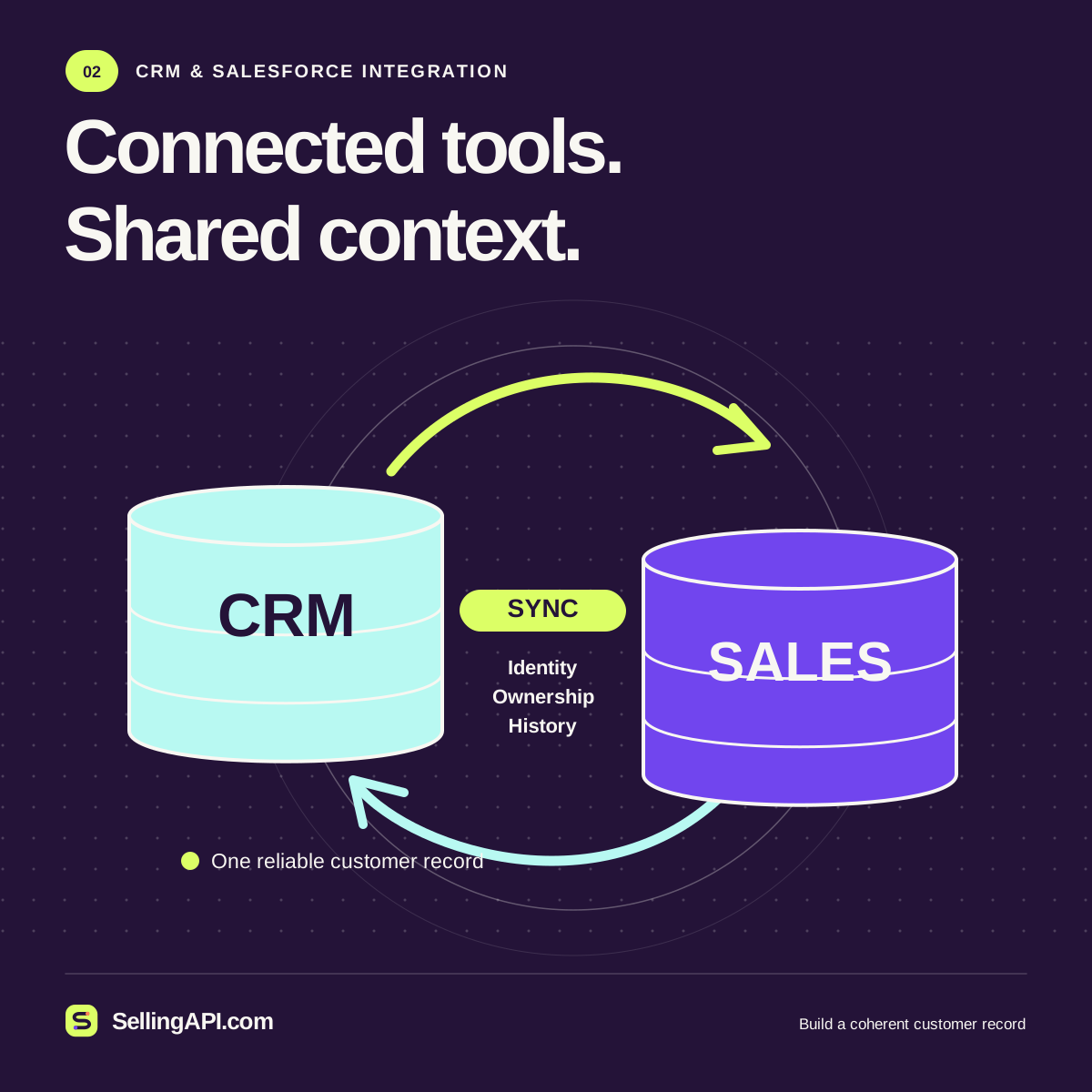
A CRM selling API workflow is a good fit when sellers repeatedly copy meeting outcomes, contact details, or opportunity updates between systems. Begin with one record type and one direction of change. This page helps you specify that connection and prepare a useful integration brief before choosing the implementation.
Decide which system owns each fact
List the fields the workflow needs, their meaning, and the system allowed to change them. A contact email, account owner, and opportunity stage may have different owners. Preserve a source identifier, update time, and mapping version alongside the business values.
Salesforce documents upsert using an external ID to create or update a record. Choose identifiers deliberately, then define how missing matches, duplicates, and conflicting edits will be reviewed.
Choose the right pace of synchronization
A seller waiting for a small update needs different behavior from an overnight migration. Salesforce's Bulk API 2.0 supports asynchronous work with large datasets. Consider volume, required freshness, permissions, and failure recovery when choosing an approach.
Start with one-way synchronization when that meets the business need. Two-way changes require a conflict policy: which update wins, when a person reviews it, and how both systems learn the final result.
Return a change record people can inspect
Define an output with the matched record, proposed values, previous values, operation status, and reason for any rejection. Keep an accepted request distinct from a completed update. Let operators retry a failed item without replaying a successful batch.
Use the local payload builder to sketch the event before connecting a CRM. A valuable pilot proves that the correct record changes once, that conflicts remain visible, and that the sales team knows who resolves them.
A useful starting workflow
Map the record
Choose an account, contact, lead, or opportunity. Document required fields, identifiers, ownership, and the exact business event that starts the workflow.
Review the proposed change
Validate the mapping against realistic sample records. Inspect duplicates, missing fields, and concurrent edits before permitting a production write.
Confirm and reconcile
Store the actual system response, expose failed items, and compare the resulting record with the intended change so operators can resolve differences.
Sources & further reading
Before you connect
A few useful answers.
Should every field synchronize in both directions?
Only when the workflow requires it and ownership is clear. Begin with the fields needed for a specific task, then expand after defining conflict handling and operational responsibility.
Does this page connect to my Salesforce account?
This page provides integration planning guidance and links to local browser tools. A production connection requires your own authorized application, account configuration, credentials, and implementation.