Lead Management APIs: Build a Scoring Process Your Sales Team Can Explain
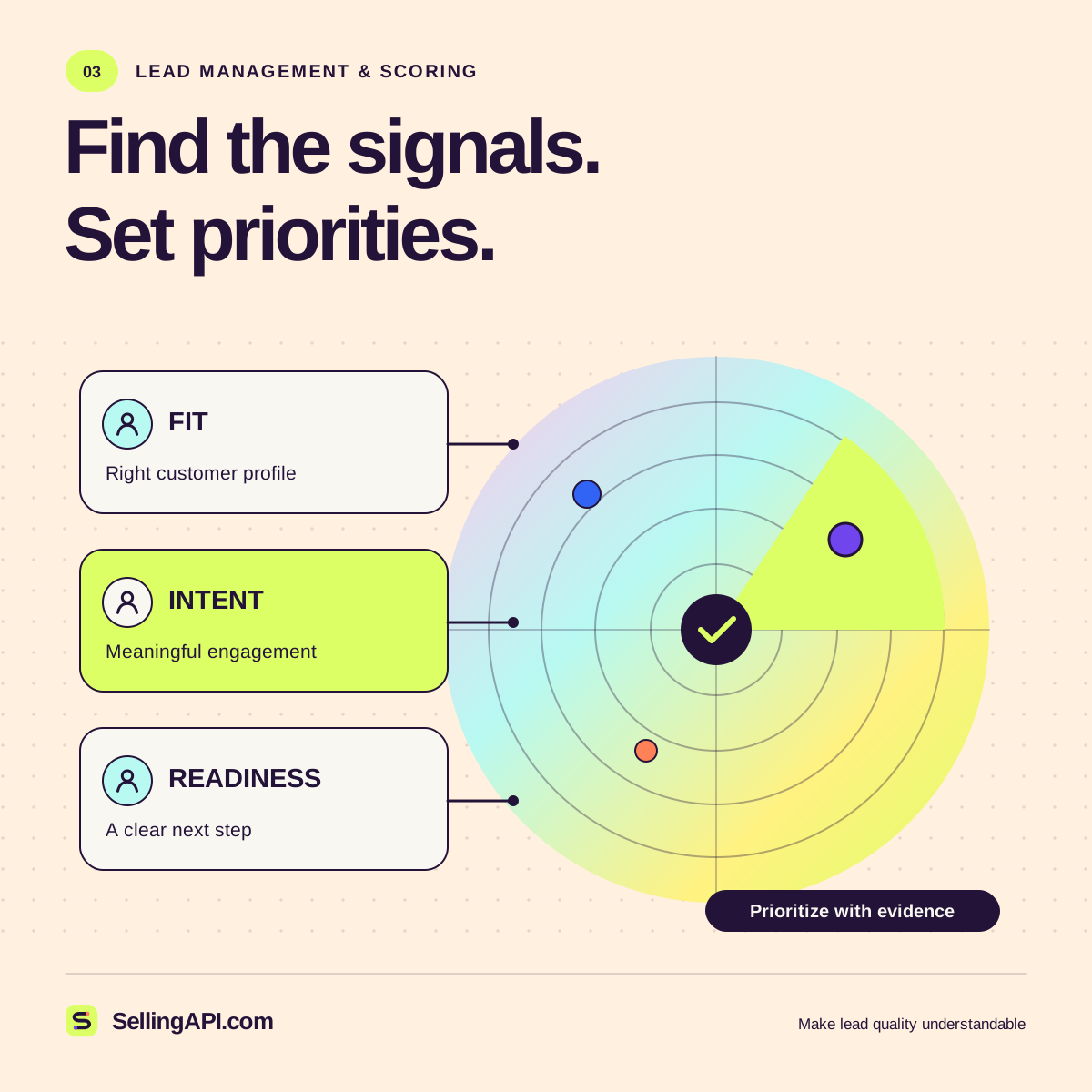
A score should help a person decide what to do next, with the evidence and uncertainty visible.
Read the guideThe Selling API app suite
Four focused tools to explore sales workflows. Test the inputs, inspect the output, and take a useful next step. Everything here runs in your browser.
Start with the example inputs. These tools calculate, format, and simulate locally; they do not call an AI model or connect to a CRM.
No account · no API keyExplore how fit, intent, and relationship context contribute to one transparent score. This is a weighted rule, not a conversion prediction.
Formula: (fit × 0.4) + (intent × 0.4) + (relationship × 0.2), rounded to the nearest whole number. Suggested review bands: 80–100, 55–79, and 0–54. These demonstration thresholds are not validated business benchmarks.
There is useful context here. Confirm the buyer’s need and choose a helpful follow-up.
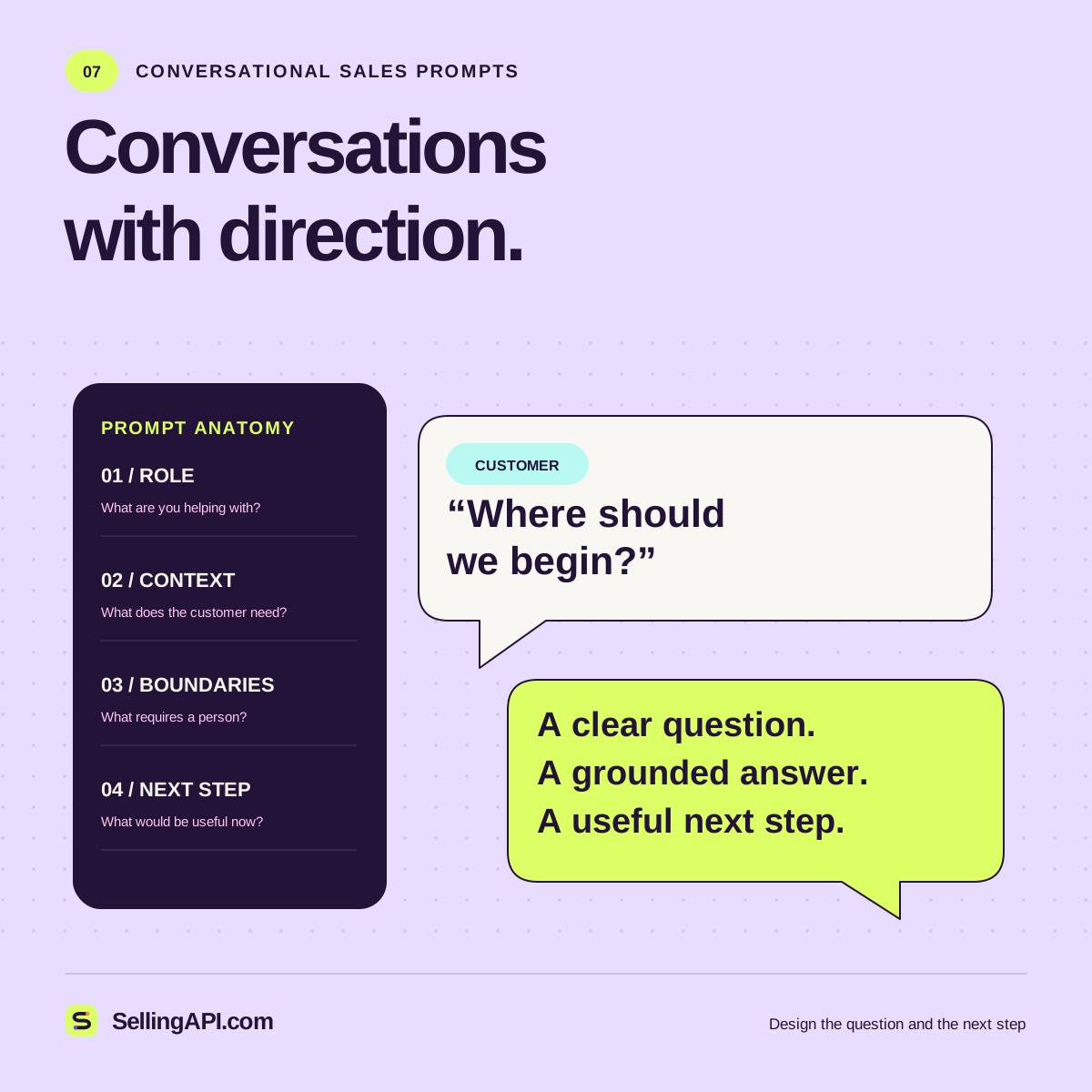
Build a reusable prompt from a goal, an audience, and approved facts. This tool assembles instructions; it does not generate an AI answer.
Review the prompt before using it with your chosen AI provider. Provider accounts and usage are separate.
Build and inspect a small illustrative JSON event. This sandbox creates a local file; it does not send a webhook or call an endpoint.
{
  "schema_version": "1.0",
  "event_id": "evt_example_001",
  "event_type": "lead.created",
  "mode": "local_example",
  "payload": {
    "lead_id": "lead_example_001",
    "company": "Example Company",
    "owner": "Sales team",
    "contact_allowed": false
  }
}Use the developer guide to plan identity, authentication, retries, and review for a production integration.
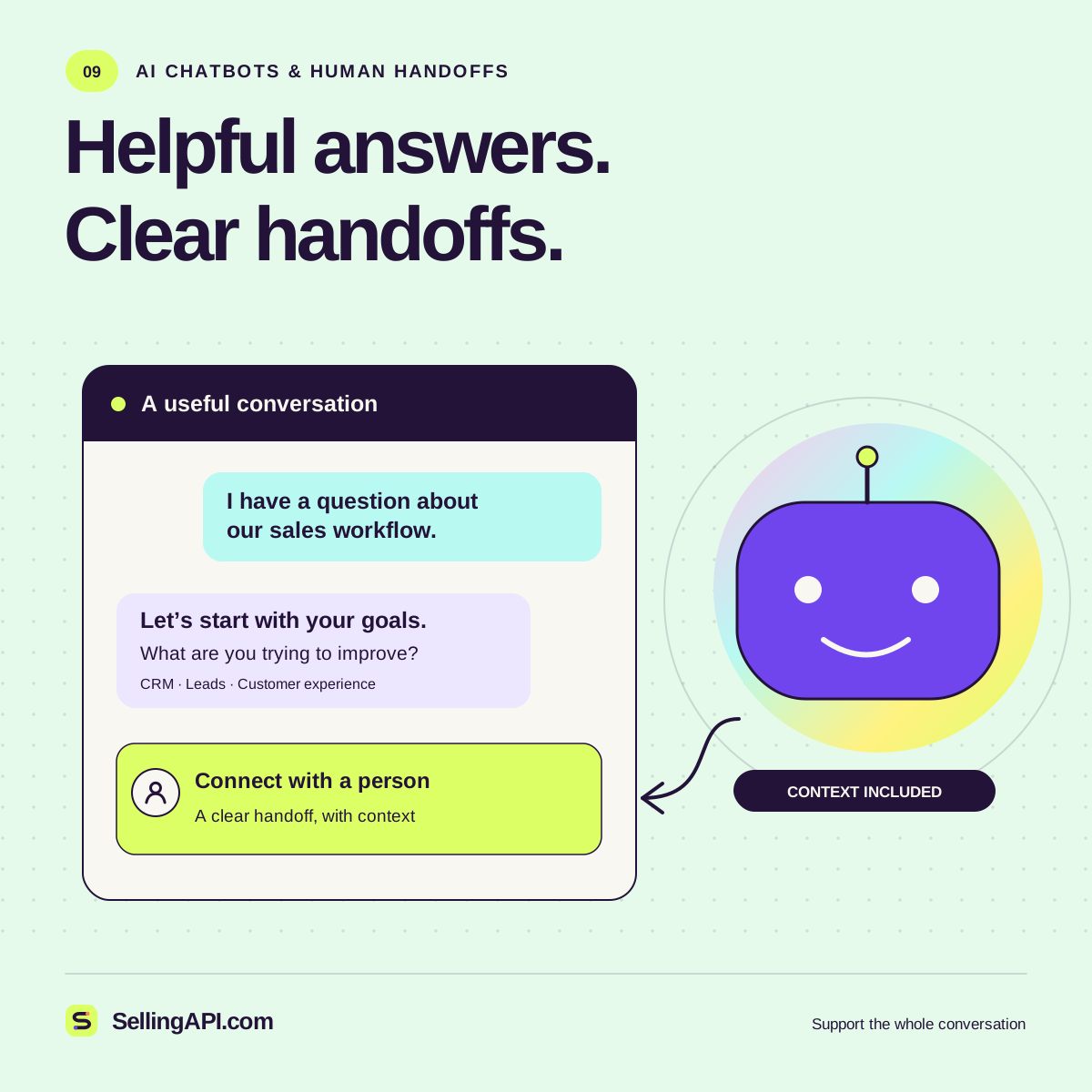
Try three predefined questions and inspect the response path. This is a scripted demonstration of grounding, uncertainty, and handoff.
Keep the product answer tied to the example’s limited scope. A useful assistant should be able to point to the information behind its answer.
No price is provided in this example. The right next step is to acknowledge the gap and ask for an approved source.
Summarize the request and explain what a human would need. This local demonstration does not create a ticket or contact anyone.
Read the AI chatbot sales guide to explore retrieval, memory, account context, and evaluation.
Tool inputs and outputs stay in this page unless you copy or download them. Guide bookmarks and your animation preference may be saved on this device. Privacy details.
Add some context
A score should help a person decide what to do next, with the evidence and uncertainty visible.
Read the guideDesign prompts that help an assistant listen, explain, and suggest an appropriate next step.
Read the guideBuild a chatbot workflow that answers clearly, asks purposeful questions, and carries the right context to the sales team.
Read the guide