LINKEDIN / NETWORKS
Plan LinkedIn workflows around access you actually have
Make professional context useful while keeping identity, access, and relationship decisions explicit.
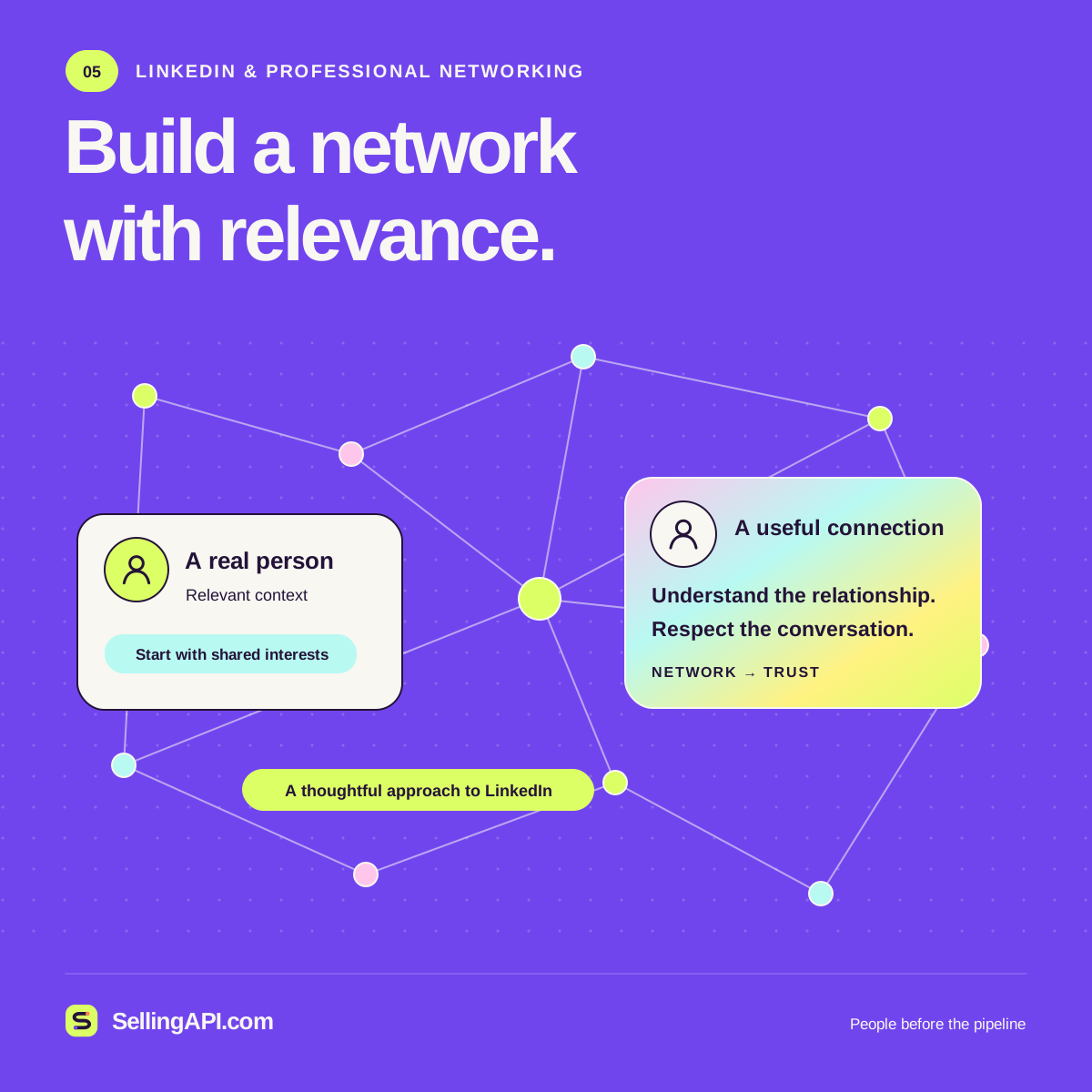
A LinkedIn selling API project starts with the product access required for the intended workflow. A sign-in experience, an approved Sales Navigator integration, and a seller's own relationship notes are different projects. Define the business result first, then confirm the permitted route to the information and actions it needs.
Confirm the product and permission boundary
LinkedIn's API access guide distinguishes open permissions from products requiring approval. Its Sales Navigator platform overview currently says it is not accepting new partners for API access. Check the current documentation before committing to an integration timeline.
Write down the exact approved product, available data, authorized users, and allowed purpose. Keep a useful manual workflow available when the required program access is unavailable.
Keep relationship context specific and sourced
For an account brief, useful inputs might include a contact supplied by the customer, a seller's own meeting notes, a recorded introduction, and authorized CRM facts. Label when each item was collected and what it actually establishes. A shared professional topic is context, not proof that someone wants outreach.
Return the relationship summary, relevant sources, unresolved identity questions, and a proposed next step. Let the seller inspect and correct the result before adding it to a shared record.
Connect identity to the right application task
Sign In with LinkedIn using OpenID Connect supports member authentication and limited profile information within its defined permissions. It should not be treated as general access to sales data or verification of a person's real-world identity.
Choose a narrow first use case, such as preparing a human-reviewed account research outline from information the team may use. The local prompt builder can help structure that outline without connecting to LinkedIn or retrieving profiles.
A useful starting workflow
Specify the use case
Describe the intended user, the information needed, and the business outcome. Separate account preparation, sign-in, and approved platform integration into their own requirements.
Verify the available route
Match the requirement to official product permissions and your approved access. Record limits and ownership so the design remains useful when access conditions change.
Prepare a reviewable next step
Assemble authorized context, preserve its sources, and draft a specific recommendation. Keep final relationship and communication decisions with the responsible account owner.
Sources & further reading
Before you connect
A few useful answers.
Does LinkedIn sign-in unlock Sales Navigator APIs?
No. Sign-in and Sales Navigator integrations have distinct permissions and access requirements. Confirm the product approval and capabilities available to your application before designing a dependent workflow.
Can I use this page to collect LinkedIn profiles?
This page offers planning guidance and local prompt tools. It does not retrieve LinkedIn profiles, provide platform access, or establish an approved integration relationship.