What Is a Selling API? A Practical Guide to Connected Sales Workflows
Build the foundations for a sales workflow that stays understandable as more systems and channels join it.
Read the guideThe connected selling field guide
Bring your CRM, leads, and AI conversations into focus. Explore the APIs behind modern selling—and try the ideas for yourself.
Practical guides. Useful tools. No account required.
Follow the signal through your sales stack.
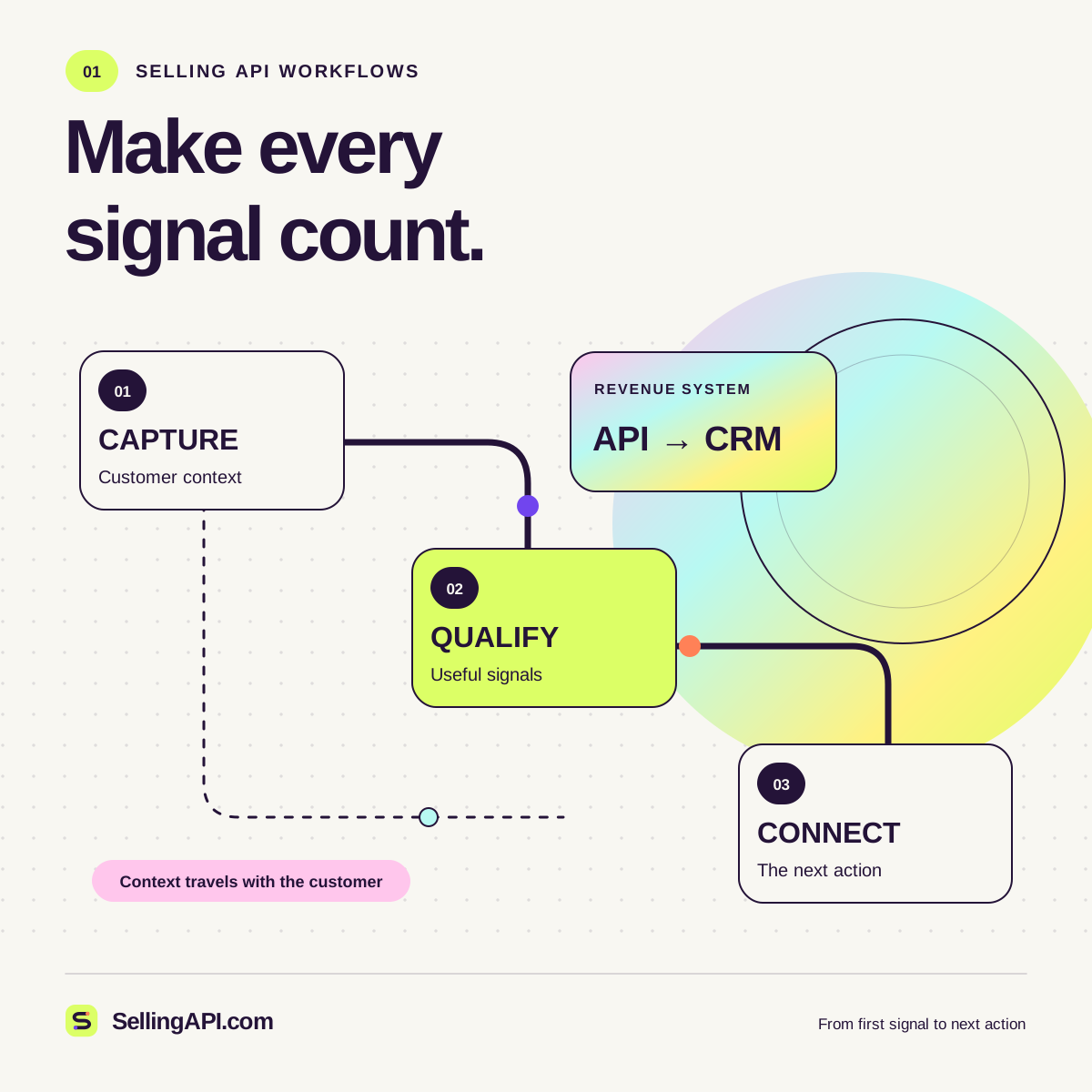
01 / CAPTURE THE SIGNAL
An example buyer shares a business need. Keep the source, permission, and next step together.
Explore the systems behind
your next customer conversation.
From first signal to next step
Follow the customer context across your tools. Choose a starting point that solves a real problem.
A shared record of contacts, ownership, and activity. Understand the foundations of a reliable sync.
See what makes a lead useful. Connect fit and intent to a decision your team can explain.
Bring relevant context to outreach. Explore delivery events and thoughtful professional connections.
Ground answers in useful information and design a handoff that keeps the conversation moving.
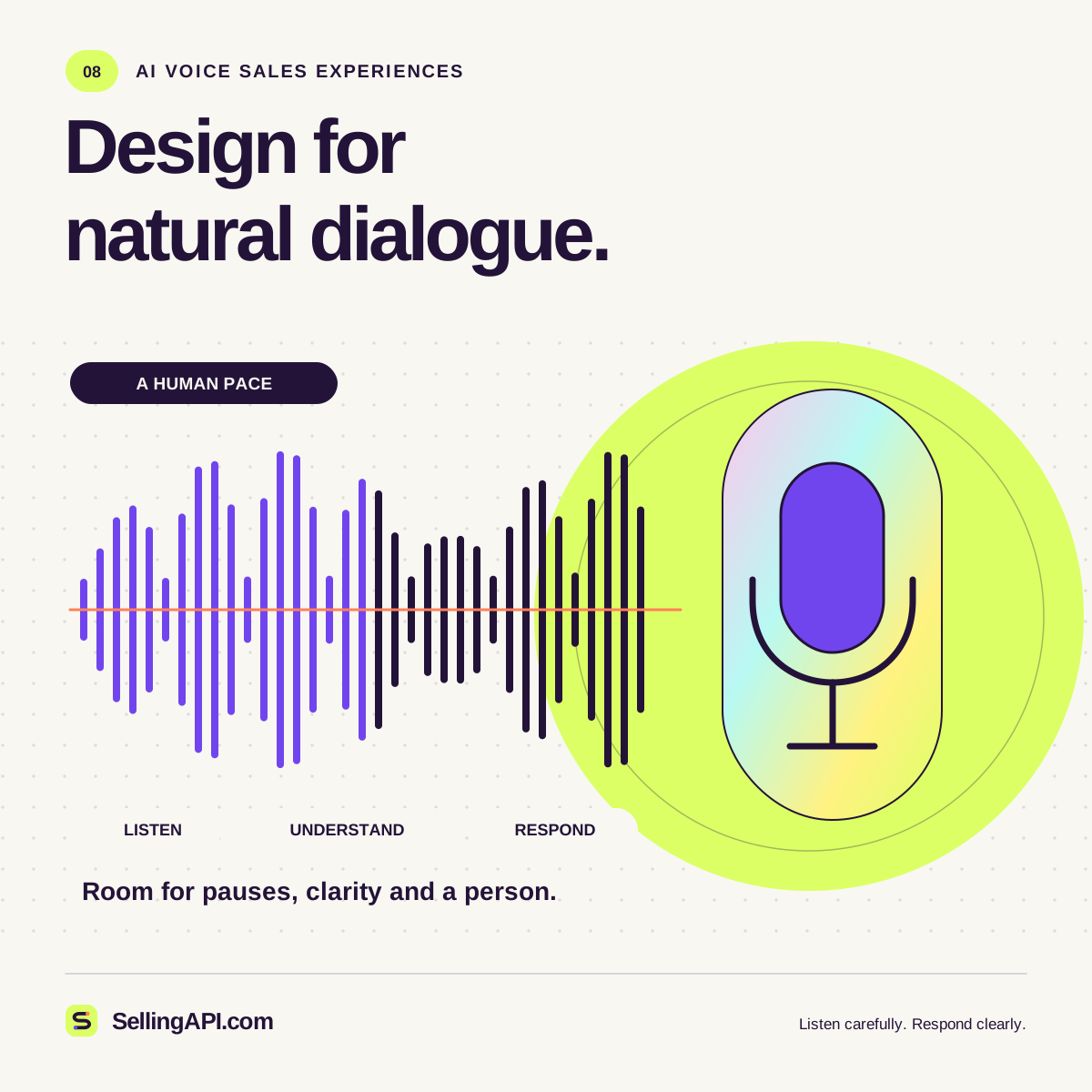
Think through speech, turn-taking, confirmation, and the right moment to involve a person.
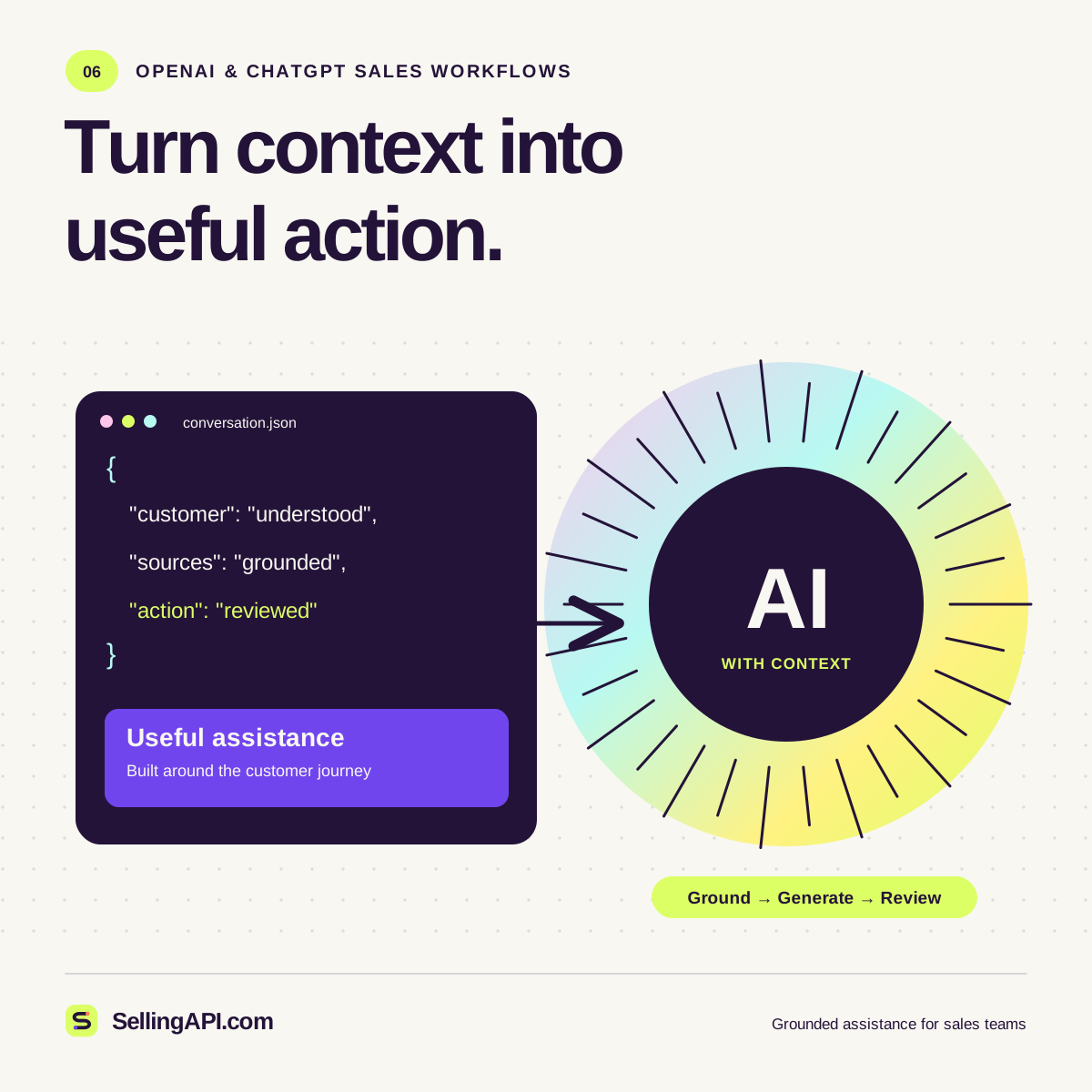
Turn a clear task and reliable evidence into an effective prompt, with review built into the workflow.
One ecosystem. More possibility.
A useful workflow carries the buyer’s question, the relevant facts, and the next decision together. Explore how each part contributes.
See the platformThe selling lab
Score a sample lead. Build a conversation prompt. Shape an event payload. Explore a chatbot handoff. Four small tools make the ideas tangible.
{
  "event": "lead.created",
  "context": {
    "fit": 75,
    "intent": 65,
    "relationship": 50
  },
  "next": "human_review",
  "mode": "example"
}The SellingAPI.com journal
Build the foundations for a sales workflow that stays understandable as more systems and channels join it.
Read the guideTurn a promising sales assistant concept into a clear workflow with evidence, permissions, and measurable outcomes.
Read the guideConnect speech to a useful sales workflow with thoughtful turn-taking, reliable confirmations, and a clear path to a person.
Read the guideGood questions
A few things to know before you explore.
A selling API connects the information and actions involved in a sales workflow: lead records, CRM updates, conversations, tasks, and review decisions. SellingAPI.com explains those building blocks and gives you browser tools to explore them.
Yes. The lead-score calculator, prompt builder, event sandbox, and conversation simulator run in your browser. No account or API key is required. Their examples are local demonstrations.
The supplied site contains integration guides and local demonstrations. A production connection requires the relevant provider account, approved access, and a server-side implementation. Start with the developer guide.
If your records are scattered, begin with CRM integration. If prioritization is unclear, try the lead-score calculator. If conversations need structure, build a prompt and read the matching guide.