A search for “LinkedIn sales API” can suggest a single interface for discovering prospects, reading profiles and sending messages. The real planning task is more specific: identify the product, the approved access, the permitted use of its data and the human workflow it should support.
Professional networking also depends on context that an API cannot manufacture. A relevant introduction, a useful answer and a clearly explained reason for contact matter more than the number of records moved between applications. This guide covers independent architecture and networking practice. SellingAPI.com does not provide a live LinkedIn integration or claim LinkedIn affiliation.
Understand product access before promising features
LinkedIn's API access documentation explains that applications must be authenticated and authorized, and that most permissions and partner programs require explicit approval. Open permissions have their own defined scope. Creating a developer application does not grant unrestricted access to member profiles, connections or inboxes.
Write an access matrix before designing the user interface. For each proposed feature, record the relevant product, the permission it needs, the data it can use, and whether your organization actually has access. Mark uncertain features as dependent on approval. This prevents a polished prototype from being mistaken for a capability that is already available.
Apply the same scrutiny to a vendor demonstration. Ask which approved product supports the feature, whose application receives authorization, and how access can be revoked. Request a description of what information is retained and which operations the connector can perform. A compelling demonstration with sample records establishes that an interface works with those records; it does not establish that your organization can retrieve equivalent data or operate the same feature in production.
Separate sign-in from prospecting
Sign In with LinkedIn using OpenID Connect supports member authentication and limited profile information for the member who signs in. It is not a general prospect-search interface. The documentation also states that this sign-in product should not be marketed as identity verification.
Design the sign-in experience for its actual purpose: helping a user access your application. Explain what information is requested and handle optional fields being absent. Do not infer that a user has authorized unrelated marketing, or that the application can retrieve information about everyone in that person's network. Product access and a person's communication preference are separate questions.
Review Sales Navigator boundaries
The Sales Navigator Application Platform documentation describes UI and API services within its program and identifies the applicable program terms. A CRM display experience, an analytics integration and another product's API can have different access conditions. Read the documentation for the exact feature being considered.
When evaluating an existing supported integration, ask an administrator to confirm eligibility, licensing and configuration. Avoid assuming that a feature described for one CRM or one product tier is available in a custom application. Keep the initial workflow useful with your own CRM data and manual review while access-dependent features remain clearly identified.
Design around a reason to connect
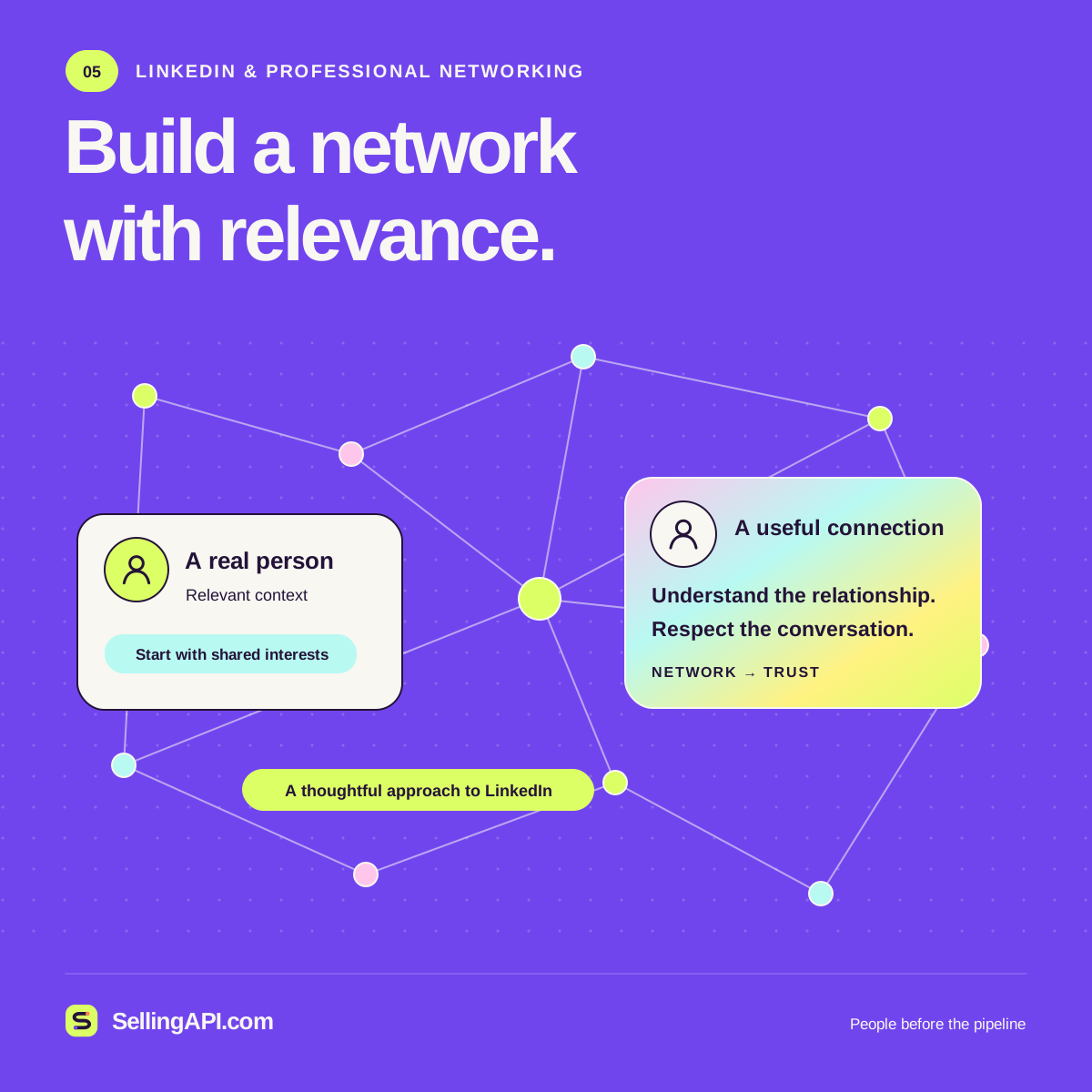
Start with a relationship goal, such as following up after a professional event or answering a question raised in an existing conversation. Record the actual context and the appropriate owner. A network record should help the owner remember why the interaction matters, not simply accumulate public details about a person.
For an illustrative event workflow, an attendee voluntarily requests a product resource and gives the team an approved contact channel. The team stores that request in its CRM, assigns a representative and prepares the resource. If the representative also connects through LinkedIn, they use the available LinkedIn experience and its rules. The CRM does not treat that connection as blanket permission for other campaigns.
Keep relationship context honest
Separate a known relationship from a possible introduction. Two people working in the same industry are not necessarily acquainted. A shared event does not prove that they met. Use labels such as “attended the same event” or “introduction requested” when those are the facts you have.
Give each note a source and a date. If a person supplies an updated role, preserve the correction and review dependent routing. Do not let an AI summary turn uncertain information into a confident statement. A reviewer should be able to trace a proposed message back to a genuine request, conversation or other appropriate context.
Respect data and platform boundaries
LinkedIn's User Agreement addresses scraping, circumventing access controls and unauthorized automated activity. Plan around approved products and permitted uses. A browser session, visible profile or purchased dataset does not by itself establish permission for bulk extraction, redistribution or automated outreach.
Document where each CRM field came from and what uses are allowed. Collect only the context needed for the workflow. Limit access to relationship notes, define retention and correction processes, and make removal requests actionable across connected systems. If a proposed feature depends on access you do not have, change the feature or pursue the documented approval route rather than building around the restriction.
Use AI for preparation and review
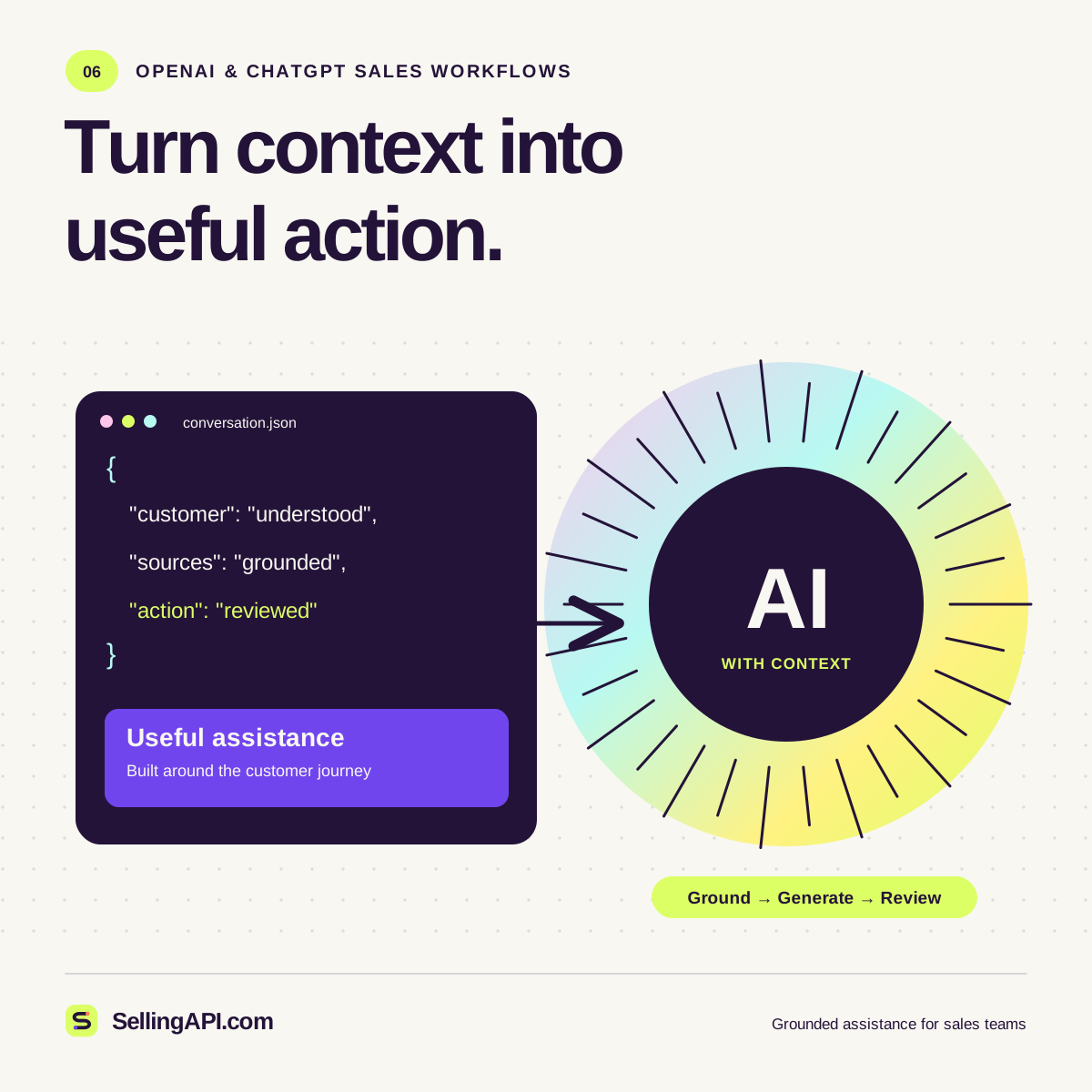
An AI assistant can organize authorized notes, identify unanswered questions and draft an introduction for a person to review. Give it a narrow brief: the purpose of the message, the known relationship, the approved product facts and a reasonable next step. Ask it to identify missing context rather than fill gaps with invented familiarity.
Keep sending separate from drafting. Review names, company references and claims before using a message. A helpful draft might explain why a resource is relevant and invite a reply without pressuring the recipient. If the reason for contact is weak, improving the reason is more useful than generating more variations of the same outreach.
Connect CRM context with care
Where an approved integration is available, define which system owns each field and how matches are verified. Common names and changing employers can make automatic identity matching uncertain. Require review for ambiguous records, and avoid overwriting a trusted contact record with an unconfirmed match.
Record the integration's status separately from the relationship status. “Data synchronized” does not mean “prospect interested.” A salesperson should see the original context, the current owner and the next agreed action. Handle revoked access and failed updates visibly so outdated information does not look freshly confirmed.
Measure the quality of the workflow
Review whether introductions are relevant, requested resources reach the right people, ownership is clear and follow-ups reflect the conversation. Track duplicate contact attempts and incorrect matches as operational problems. Avoid treating connection counts as proof of commercial value.
A useful LinkedIn-related sales workflow respects product boundaries and strengthens professional context. Build the parts your team can operate honestly, verify access before extending them, and keep a person accountable for how each interaction serves the relationship.