An AI voice selling API connects spoken conversation with information and actions in a sales application. The experience succeeds when a caller can explain a need, hear an accurate answer, and reach an appropriate next step without fighting the interface. Voice adds design decisions beyond text generation: pauses, interruptions, pronunciation, background noise, and the moment at which the system should ask for confirmation.
Choose a clear job for the voice experience
Start with a serviceable purpose, such as answering inbound product questions or helping an existing customer reach the right team. Write down what the caller can accomplish during the conversation. If the workflow only collects a request for a later response, say that clearly. The opening should not imply instant resolution when an account owner must review the details.
Consider an inbound caller asking about connecting a sales platform to a CRM. The assistant can explain approved integration options, ask which system the caller uses, and prepare a technical handoff. It should know when a request has moved beyond the available reference material. A narrow, well-supported conversation provides a better foundation for expansion than a broad script with vague completion criteria.
Understand the speech architecture
OpenAI's voice agents documentation describes several approaches: a voice interface with a separate reasoning backend, a realtime model handling speech and tools in one session, and a chained pipeline with separate speech and text stages. The practical choice is how much control you need over the intermediate representation and the ongoing conversation.
A staged pipeline lets a team inspect a transcript before generating an answer and inspect that answer before rendering speech. An integrated conversational approach can support a different interaction style. Compare both against your actual needs: language support, required review points, interruption behavior, integration complexity, and operational visibility. Use a prototype to examine the complete conversation rather than selecting an architecture solely from a short audio demonstration.
Treat turn-taking as part of the product
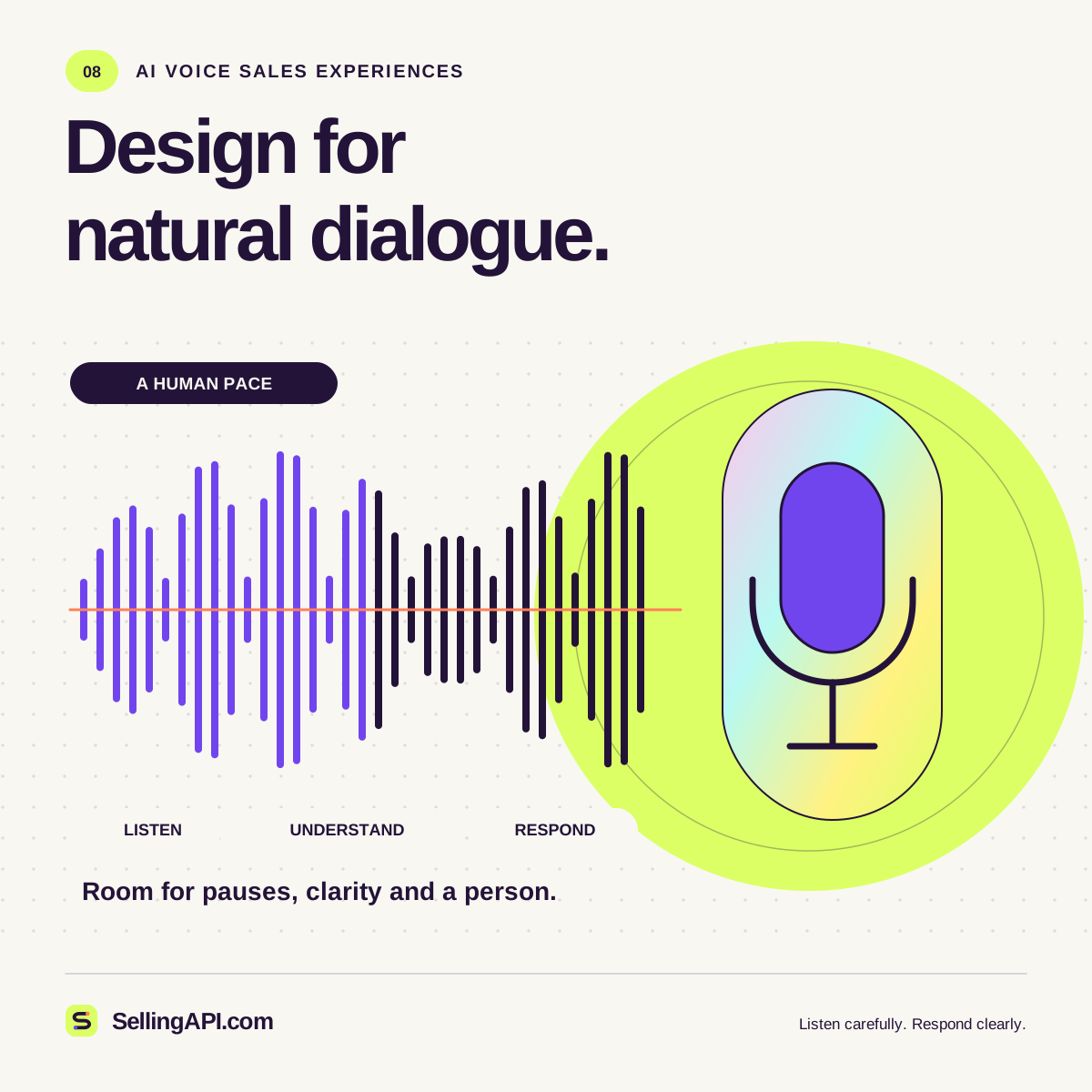
In speech, a pause can mean that someone has finished, is thinking, or is searching for a detail. OpenAI's voice activity detection guide distinguishes silence-based detection from semantic detection that considers whether an utterance appears complete. These mechanisms help identify turns, but the application still needs a deliberate conversational policy.
Test what happens when the caller interrupts an answer, corrects a company name, or starts speaking after a long pause. Stop obsolete audio when appropriate and preserve the correction in the conversation state. Keep responses short enough to interrupt naturally. A long spoken list of features can be difficult to navigate; offer a brief overview and let the caller choose the area to explore.
Make identity and recording choices clear
Identify the assistant honestly at the beginning of the interaction. OpenAI's text-to-speech guidance requires clear disclosure when users hear its AI-generated TTS voice. In your own conversation design, explain what the assistant can do and give callers an accessible way to request another channel or a human colleague.
Decide whether audio or transcripts need to be retained for the workflow, and communicate the relevant choice before collecting them. Establish recording and consent requirements for the locations and calling activities involved with the people responsible for those decisions. Keep a refusal or change of preference easy to honor. The product specification should state what happens to the conversation when the caller does not want a recording or declines follow-up.
Confirm details that drive an action
Speech recognition uncertainty deserves different treatment depending on its consequence. A slightly imperfect summary may still help an account manager. An incorrect email address, meeting date, or product identifier can send the workflow in the wrong direction. Design confirmation around the details that determine the next action, and offer a text alternative when spelling becomes cumbersome.
Before arranging a callback, read back the relevant time, time zone, and contact destination. Distinguish the caller's requested time from a time that has actually been accepted by a scheduling system. If the scheduling tool fails, explain the pending state and offer a reasonable fallback. Avoid saying that an appointment is confirmed until the system responsible for that appointment reports success.
Make delays understandable
Measure the interval from the caller's completed turn to the first useful response, as well as the full time needed to finish the task. Separate delays caused by speech handling, model work, document retrieval, and business systems. That separation helps the team decide whether to shorten an answer, improve a lookup, or change the interaction design.
When an operation takes longer than expected, provide a brief progress cue that reflects the real state. An assistant checking account ownership should say it is checking, rather than pretending to know the result. Set limits on repeated attempts and define when to offer a callback or handoff. A calm recovery path is part of the experience, especially when the caller is already dealing with a complex request.
Support a change of channel
Some parts of a sales conversation are easier to handle visually. A caller comparing several integration options may prefer a written table. Someone providing a long technical identifier may want a secure text field. Design a channel change that preserves the useful context and clearly explains what will happen next. Confirm the destination before sending any follow-up material.
Keep the alternative available without making assumptions about why someone needs it. A noisy environment, a temporary connection problem, or an individual accessibility need can all change the preferred interaction. Test whether a person can repeat an answer, slow the exchange, correct a detail, and request a written continuation. If the voice workflow cannot complete the request, it should provide a usable route to another experience. Record only the preference necessary for the current task, rather than inferring a lasting personal characteristic from how someone chooses to communicate.
Design the handoff before launch
A helpful handoff includes the caller's goal, confirmed facts, unresolved questions, and actions already completed. It should also identify uncertain transcript details. This lets the next person continue the discussion without treating an unverified phrase as a firm requirement. Tell the caller what will be passed along and whether they are being transferred immediately or contacted later.
Test with accents, varied speaking speeds, background sound, interruptions, and requests outside the intended scope. Review task completion and caller corrections alongside audio quality. Start with a controlled inbound use case and expand only when the team understands the failures. A voice sales workflow earns trust through accurate information, graceful turn-taking, and reliable follow-through. The quality of the voice is one part of that larger operating system.